


Microsoft Powerpoint
Microsoft PowerPoint is a powerful presentation software used to create slide shows. It helps users present information using text, images, audio, video, and other multimedia elements.
Course Modules
- Introduction
- Navigating the PowerPoint interface
- Opening, Saving, and Managing Slides
- Case Study 1 & 2
- Assignment 1
- Adding text and formatting (fonts, size, color)
- Copying and pasting content
- Adding shapes and tables
- Using the drawing tools
- Aligning and arranging objects
- Inserting images and graphics
- Adding transitions and animations
- Applying themes and templates
- Changing slide backgrounds
- Creating and applying custom styles
- Using the Slide Master
- Adding hyperlinks and actions
- Accounting Cycle
- Creating diagrams and flowcharts
- Embedding audio and video
- Working with charts and graphs
- undefined
- Adding hyperlinks and actions
- Creating diagrams and flowcharts
- Embedding audio and video
- Working with charts and graphs
- undefined
- Custom animations and transitions
- PowerPoint Designer
- Working with multiple monitors
- Case Study 1
- Assignment 1
- Collaborating on presentations with others
- Saving presentations in different formats (PDF, JPG)
- Sharing presentations online
- Using PowerPoint online
- Effective Presentations & Troubleshooting
- Customizing PowerPoint settings
- Case Study 1 & 2
- Assignment 1
What We Teach: Practical Case Studies & Assignments
- Basic Accounting: Understand basic accounting & pass entries based on Practical/US Accounting rules.
- Tally Setup: Create companies, manage data, and backup/restore.
- Voucher Entries: Record transactions for the current financial year in Tally.
- Method of Accounting: Apply accounting principles in Tally.
- Ledger Finalization: Reconcile and finalize ledger balances in Tally.
- Bank Reconciliation: Prepare Bank Reconciliation Statements (BRS) in Tally.
Exam Pattern
In order to complete the course and download the certificate, you will need to complete the course.
Course completion will be considered when you have completed the following:
- Answered all of the Assessments and MCQs that come at random intervals during the course.
- Complete all of the Experiments, Case Studies and Assignments.
- Take the Final test and score at least 50% in it.
Your final marks will be evaluated as follows:
- 20% – Course MCQs
- 20% – Simulation Completion
- 60% – Final MCQ Exam (20 Questions; 30 Minutes)
Once you have completed it all, you will be provided with marks and a ‘Grade’ and you will be able to download the certificate.
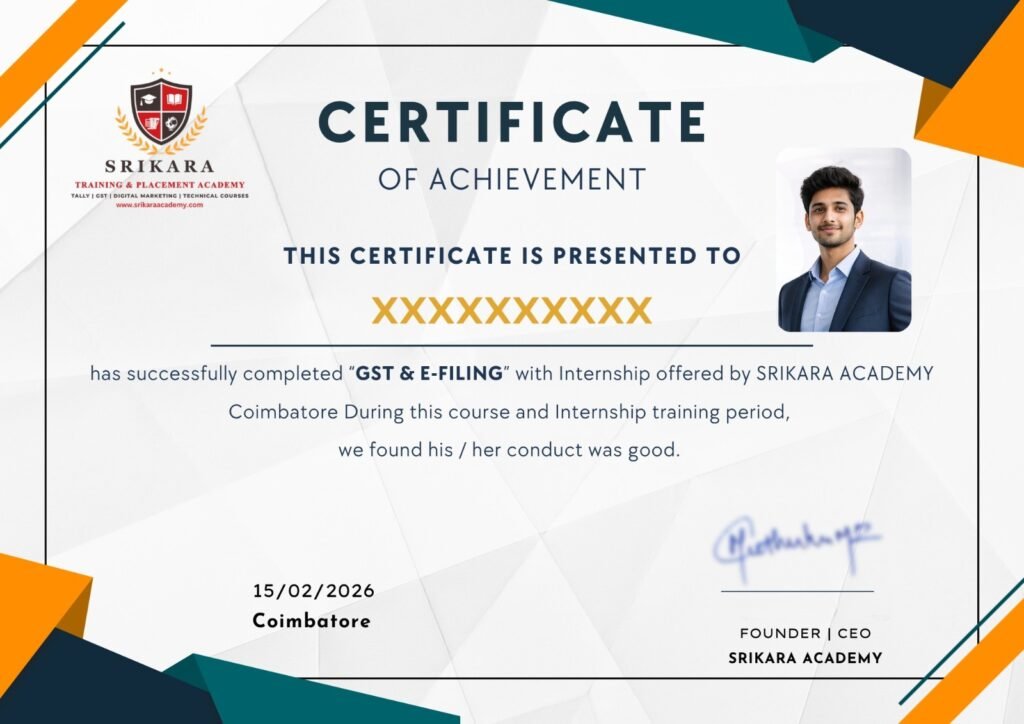
Get Certified in Our Practical Courses
Enhance your skills and boost your career prospects with our comprehensive range of courses. Get certified today!
- Industry-recognized certification upon completion.
- Users can download certificate after completing the final course test.

7 Chapters
17 Case Studies
53 Assessments
10+ Recordings
21 MicroVideos
15 Languages