


Microsoft Word
Microsoft Word for Windows is available as a separate software or as part of the Microsoft Office package. It is one of the most popular word processing programs used for creating and editing documents.
Course Modules
- Introduction
- Understanding the Word interface
- Creating and Editing Documents
- Launching and closing Word
- The ribbon and its components
- Text and Paragraph Formatting
- Case Study 1 & 2
- Assignment 1
- Adding line breaks and page breaks
- Copying and pasting text
- Indenting paragraphs
- Using tabs for alignment
- Using the Find and Replace function
- Adding headers and footers
- Applying page numbers
- Creating and applying styles
- Setting page margins and orientation
- Using templates
- Creating and editing shapes
- Adding charts and graphs
- Inserting images and pictures
- Working with tables
- Case Study 1 & 2
- Assignment 1 & 2
- Creating and using macros
- Using the built-in dictionary and thesaurus
- Working with citations and bibliographies
- US Accounting Rule
- Case Study 1 & 2
- Assignment 1
- Finding Help and Support
- Troubleshooting and Error Resolution
- Managing Document Files
- Printing and Sharing Documents
- Case Study 1 & 2
- Assignment 1
What We Teach: Practical Case Studies & Assignments
- Basic Accounting: Understand basic accounting & pass entries based on Practical/US Accounting rules.
- Tally Setup: Create companies, manage data, and backup/restore.
- Voucher Entries: Record transactions for the current financial year in Tally.
- Method of Accounting: Apply accounting principles in Tally.
- Ledger Finalization: Reconcile and finalize ledger balances in Tally.
- Bank Reconciliation: Prepare Bank Reconciliation Statements (BRS) in Tally.
Exam Pattern
In order to complete the course and download the certificate, you will need to complete the course.
Course completion will be considered when you have completed the following:
- Answered all of the Assessments and MCQs that come at random intervals during the course.
- Complete all of the Experiments, Case Studies and Assignments.
- Take the Final test and score at least 50% in it.
Your final marks will be evaluated as follows:
- 20% – Course MCQs
- 20% – Simulation Completion
- 60% – Final MCQ Exam (20 Questions; 30 Minutes)
Once you have completed it all, you will be provided with marks and a ‘Grade’ and you will be able to download the certificate.
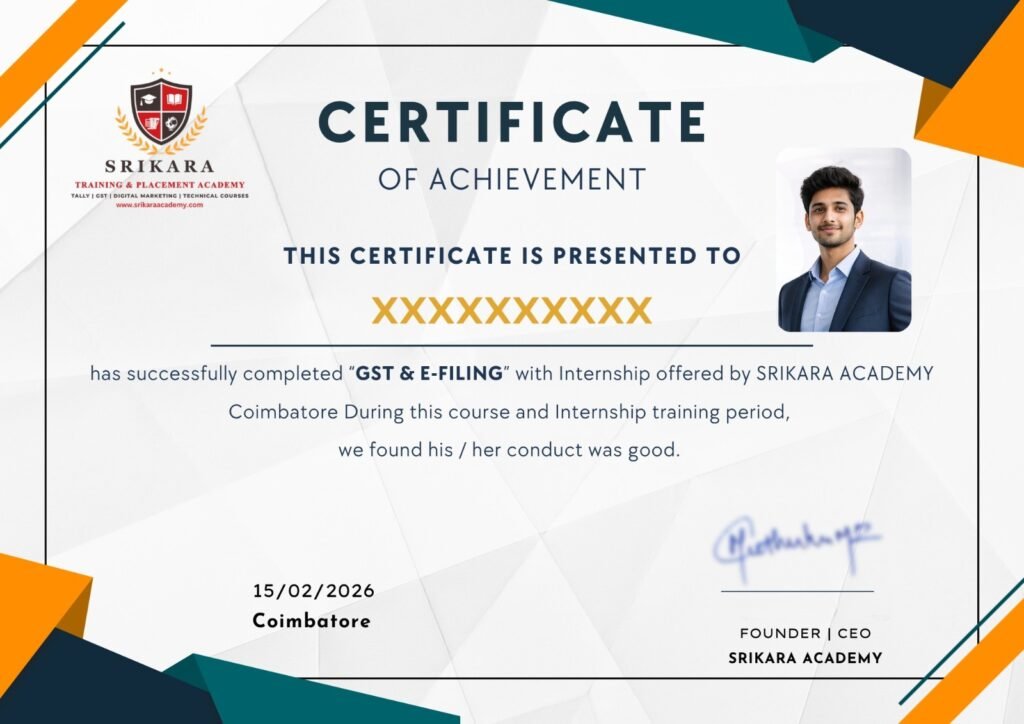
Get Certified in Our Practical Courses
Enhance your skills and boost your career prospects with our comprehensive range of courses. Get certified today!
- Industry-recognized certification upon completion.
- Users can download certificate after completing the final course test.
7 Chapters
18 Case Studies
70 Assessments
10+ Recordings
21 MicroVideos
15 Languages