


What is Google Stitch?
Where It Came From
Let’s be honest—designing apps and websites has always been a bit messy. You sketch something in one tool, hand it off to a developer, then spend days fixing what didn’t translate properly. That gap between design and development? It’s been a headache for years.
That’s exactly the problem Google Stitch set out to fix.
When it first appeared, it wasn’t just another design tool trying to compete with the usual suspects. It came in with a completely different mindset: what if you didn’t need to separate design and coding at all? Instead of bouncing between tools and teams, Stitch lets you go straight from idea to interface in one smooth flow.
You describe what you want—literally in plain English—and it builds it for you. No complicated setup. No deep technical skills required. It feels less like using software and more like explaining your idea to someone who instantly “gets it.”
Why It Was Created
At its core, Stitch is about removing friction. Think about how many great ideas never get built simply because the process feels too complex or time-consuming. Not everyone knows design principles. Not everyone can code. And hiring teams? That’s expensive.
Stitch changes that equation completely.
It gives creators, entrepreneurs, marketers—even beginners—the ability to bring ideas to life without needing a full team. It’s like turning imagination into a working prototype in minutes. That kind of accessibility is what makes it powerful.
The Big 2026 Update
The Big 2026 Update
Here’s where things start to feel almost futuristic.
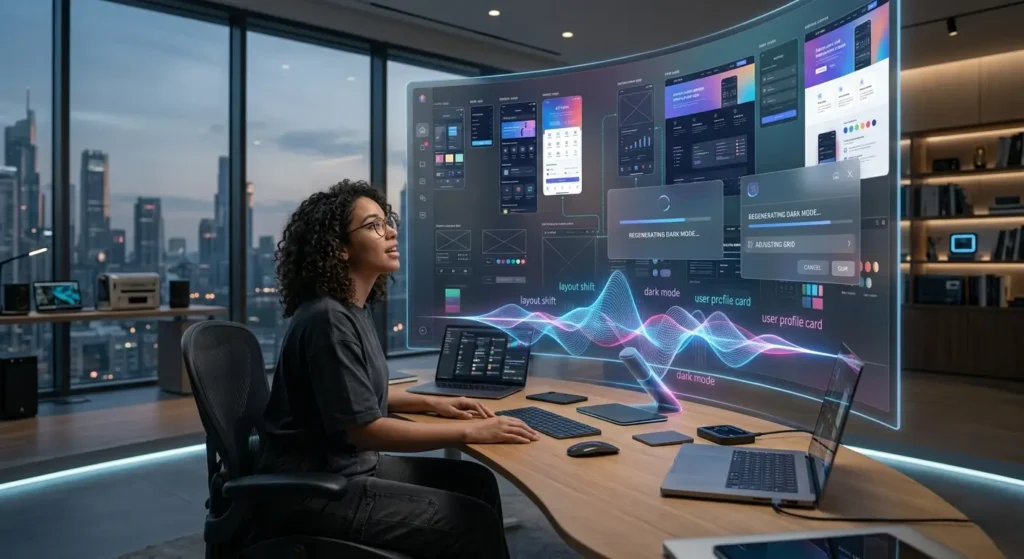
Instead of telling Stitch exactly what to build step by step, you can now describe the feeling you’re going for. Want something that looks “clean, modern, and premium”? Just say it. Stitch interprets that vibe and creates a design that matches.
It’s a shift from technical instructions to creative direction. And honestly, it feels more natural. You’re no longer thinking like a designer—you’re thinking like a storyteller.
Voice Commands
Typing is optional now.
One of the most exciting updates is voice interaction. You can literally talk to Stitch and watch your design evolve in real time. Want to move a button? Change colors? Add a section? Just say it out loud.
It feels less like working with a tool and more like collaborating with a teammate. There’s something incredibly intuitive about speaking your ideas instead of typing them.
Infinite Workspace
Another feature that quietly changes everything is the infinite canvas.
Traditional tools box you into fixed frames and screens. Stitch removes that limitation. You can expand your ideas endlessly, explore multiple layouts, and build entire user journeys without feeling restricted.
This kind of freedom encourages experimentation. And often, that’s where the best ideas come from.
Features That Are Disrupting Everything
AI Design Assistant
Stitch isn’t passive—it actively helps you.
It remembers what you’ve built, suggests improvements, and keeps your design consistent across different sections. It’s like having an assistant that understands your project and evolves with it.
You’re not just creating—you’re collaborating with AI.
Text to UI Instantly
This is where things really click.
You type something like, “Create a landing page for a fitness app with bold visuals and a signup section,” and within seconds, it appears. Not a rough sketch—a polished interface.
That speed changes how you think about building products. Instead of spending hours planning, you can just try things out instantly.
Built-In Code Generation
And here’s the kicker—it doesn’t stop at design.
Stitch generates usable front-end code alongside your UI. That means what you see isn’t just a mockup—it’s something developers can actually work with right away.
This alone can cut development time dramatically.
How Google Stitch Works
Step-by-Step Workflow
- Start with an idea (text, voice, or even an image)
- Let Stitch generate the design
- Refine it by giving feedback or adjustments
- Export or continue building
What used to take days can now happen in minutes.
Iteration Made Easy
One of the biggest advantages is how easy it is to experiment.
Don’t like something? Change it instantly. Want to try a different style? Generate a new version. There’s no penalty for exploring ideas, which makes the whole process more creative and less stressful.
Why This Matters in 2026
Designers
If you’re a designer, this might feel like both an opportunity and a challenge.
On one hand, repetitive tasks are reduced. On the other, your role shifts. You’re no longer just designing screens—you’re guiding AI, shaping direction, and making higher-level decisions.
It’s less about execution and more about vision.
Developers
Developers get a major boost too.
Instead of building everything from scratch, they can start with a solid foundation. That means more time spent on performance, logic, and innovation rather than basic UI coding.
Businesses
For businesses, the impact is huge.
Faster prototyping means faster launches. Faster launches mean quicker feedback. And quicker feedback leads to better products.
Speed becomes a competitive advantage.
Why This Matters in 2026
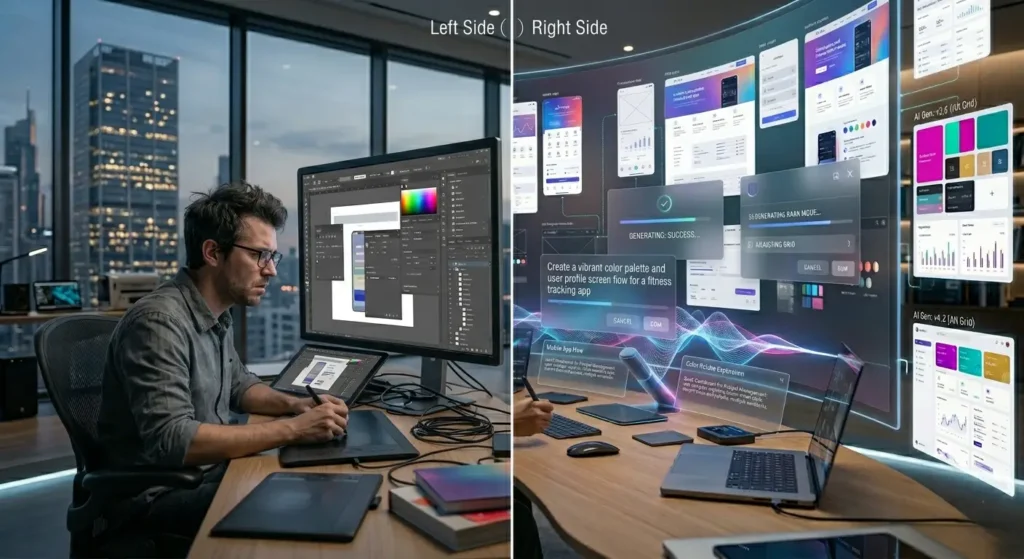
Feature | Google Stitch | Traditional Tools |
Input Style | Natural language & voice | Manual design |
Speed | Extremely fast | Slower |
Code Output | Yes | No |
Learning Curve | Very low | Moderate to high |
Flexibility | AI-driven | User-driven |
The difference isn’t just in features—it’s in philosophy. Stitch focuses on outcomes, not process.
Pros and Cons
Benefits
Stitch brings a lot to the table. It’s fast, intuitive, and accessible. You don’t need years of experience to create something impressive. It lowers the barrier to entry in a way we haven’t really seen before.
Drawbacks
That said, it’s not perfect.
AI can sometimes miss the mark. Designs may feel a bit generic if you don’t guide it properly. And like any evolving tool, there are still rough edges.
SEO & Marketing Impact
Faster Execution
If you’re in marketing, this tool is a game-changer.
Need a landing page? Build it instantly. Want to test multiple versions? Done in minutes. This kind of speed allows for rapid experimentation, which is crucial for improving conversions and SEO performance.
You’re no longer stuck waiting—you’re constantly iterating.
The Future of AI Design
Looking ahead, it’s clear that tools like Stitch are just the beginning.
As AI continues to improve, we’ll likely see even deeper integrations, smarter suggestions, and more personalized outputs. The line between idea and execution will keep getting thinner.
And honestly, that’s exciting.
Conclusion
Google Stitch isn’t just another tool—it’s a shift in how things get built.
It removes complexity, speeds up workflows, and opens the door for more people to create. Whether you’re a designer, developer, or entrepreneur, it changes how you approach ideas.
The real question isn’t whether it will impact your workflow—it’s how soon you’ll start using it.
FAQs
1. Is Google Stitch beginner-friendly?
Yes, it’s designed so anyone can use it—even without design or coding experience.
2. Can Stitch replace developers?
Not really. It helps developers work faster, but complex logic and backend systems still require human expertise.
3. Is the generated code usable?
Yes, the code is structured and can be used as a starting point for real projects.
4. How accurate are the designs?
They’re surprisingly good, especially when you provide clear instructions or feedback.
5. Will AI tools like Stitch dominate design in the future?
They’ll definitely play a major role, but human creativity and direction will still be essential.