
UX/UI + Graphic Design – Master Program (2026)
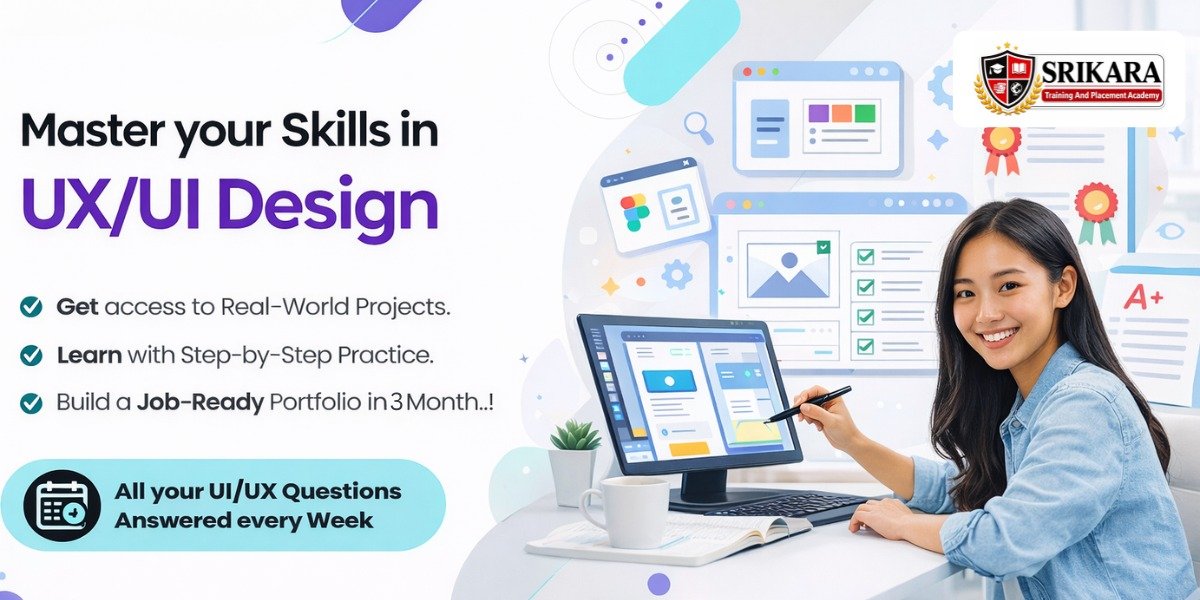
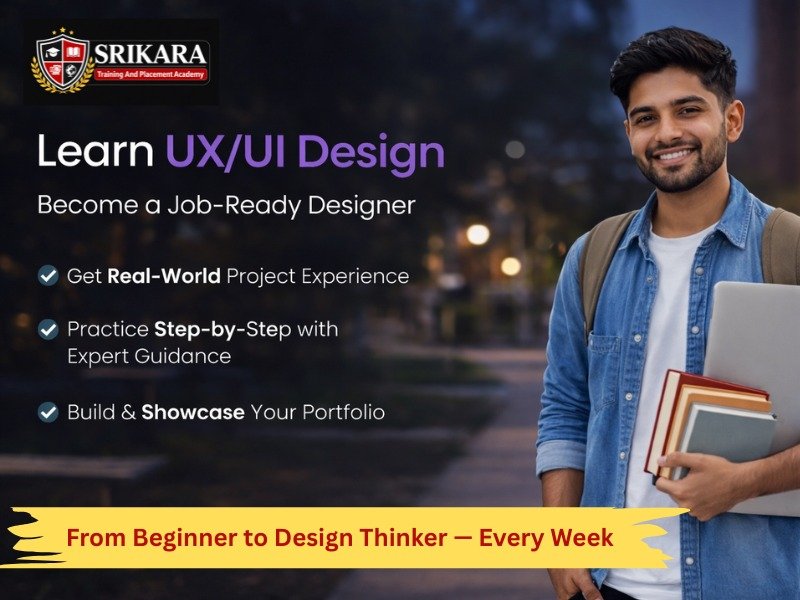
This UX/UI + Graphic Design Master Program helps you become a job-ready designer from basics to advanced skills. Learn design, research, UI creation, and real-world projects with hands-on assignments and case studies. Build a strong portfolio and gain the confidence to start your career in the design industry.
Course Syllabus
- Design vs Decoration - Case Studies
- Design Thinking Process - Case Studies
- Visual Hierarchy & Layout - Assignments
- Color Theory & Psychology - Assignments
- Typography Fundamentals - Assignments
- Composition & Alignment - Assignments
- Branding Basics - Case Studies
- Raster vs Vector - Case Studies
- Photoshop Editing - Assignments
- Logo Design in Illustrator - Assignments
- Grid System - Assignments
- Social Media Ad Design - Assignments
- Qualitative & Quantitative Research - Case Studies
- User Persona - Assignments
- Empathy Mapping - Assignments
- Competitive Analysis - Case Studies
- User Journey Mapping - Assignments
- Information Architecture – Case Studies
- Sitemap Creation - Assignments
- User Flow - Assignments
- Low-Fidelity Wireframes - Assignments
- Mid-Fidelity Wireframes - Assignments
- UI Principles - Case Studies
- Components (Buttons, Cards, Forms) - Assignments
- Auto Layout - Assignments
- Responsive Design - Assignments
- Design Systems - Case Studies
- Prototyping - Assignments
- Micro-interactions - Assignments
- UX Writing - Case Studies
- Clickable flows - Assignments
- Usability Testing Methods - Case Studies
- Nielsen’s Heuristics - Case Studies
- A/B Testing - Assignments
- Brand Strategy - Case Studies
- Logo System - Assignments
- Brand Guidelines - Assignments
- Identity Development - Assignments
- AI Tools for Designers - Assignments
- Prompt Writing - Assignments
- AI in Research & Ideation - Case Studies
- UX Case Study Writing - Case Studies
- Portfolio Website Creation - Assignments
- Resume & LinkedIn Optimization - Assignments
- Mock Interviews - Case Studies
Click on the Edit Content button to edit/add the content.
Click on the Edit Content button to edit/add the content.
This course includes:
Modules
0
Projects
0
+
Case Studies
0
+
Assessments
0
+
Challenges
0
+
Practice Sessions
0
+
UI Screens
0
+
Branding Projects
0
+
100% Free No-Obligation Demo
Get Practical Experience with Real UX/UI Projects!
Build real-world design skills and boost your career with hands-on UX/UI projects. Practice like a professional designer and get job-ready.
Work on real app & website design projects
Create wireframes, prototypes & user flows like industry experts

How you'll learn!
Practically learn in our Lab! Get the best practical experience in all topics with Case Studies, Gamification, Simulation, etc., in your language!
More Features in UX/UI Lab!
Our UX/UI program is designed with real industry workflows, helping you gain practical design skills that top companies expect from designers.
FAQs.
Get all your questions answered
What is UX/UI Design?
UX (User Experience) focuses on how users interact with a product, while UI (User Interface) deals with the visual design. In this course, you’ll learn both to create user-friendly and attractive designs.
Which tools will I learn?
You will learn industry-standard tools like Figma, wireframing tools, prototyping techniques, and basic design systems used by professionals.
How long will I get support?
You’ll receive continuous mentor support during the course along with guidance for projects, doubts, and career direction.
Do I need design experience to join?
No prior experience is required. This course starts from basics and gradually takes you to advanced UI/UX concepts with hands-on practice.
Will I build a portfolio?
Yes! You will work on real-world projects like mobile apps, websites, and case studies to build a strong portfolio for job opportunities.
Is there job assistance?
Yes, we provide portfolio reviews, interview preparation, and career guidance to help you land a UX/UI design job.
Have More Questions?
Submit your details. Our Team will get back to you shortly.